ChaosPet
A downloadable desktop companion for Windows
A little company for your Windows desktop
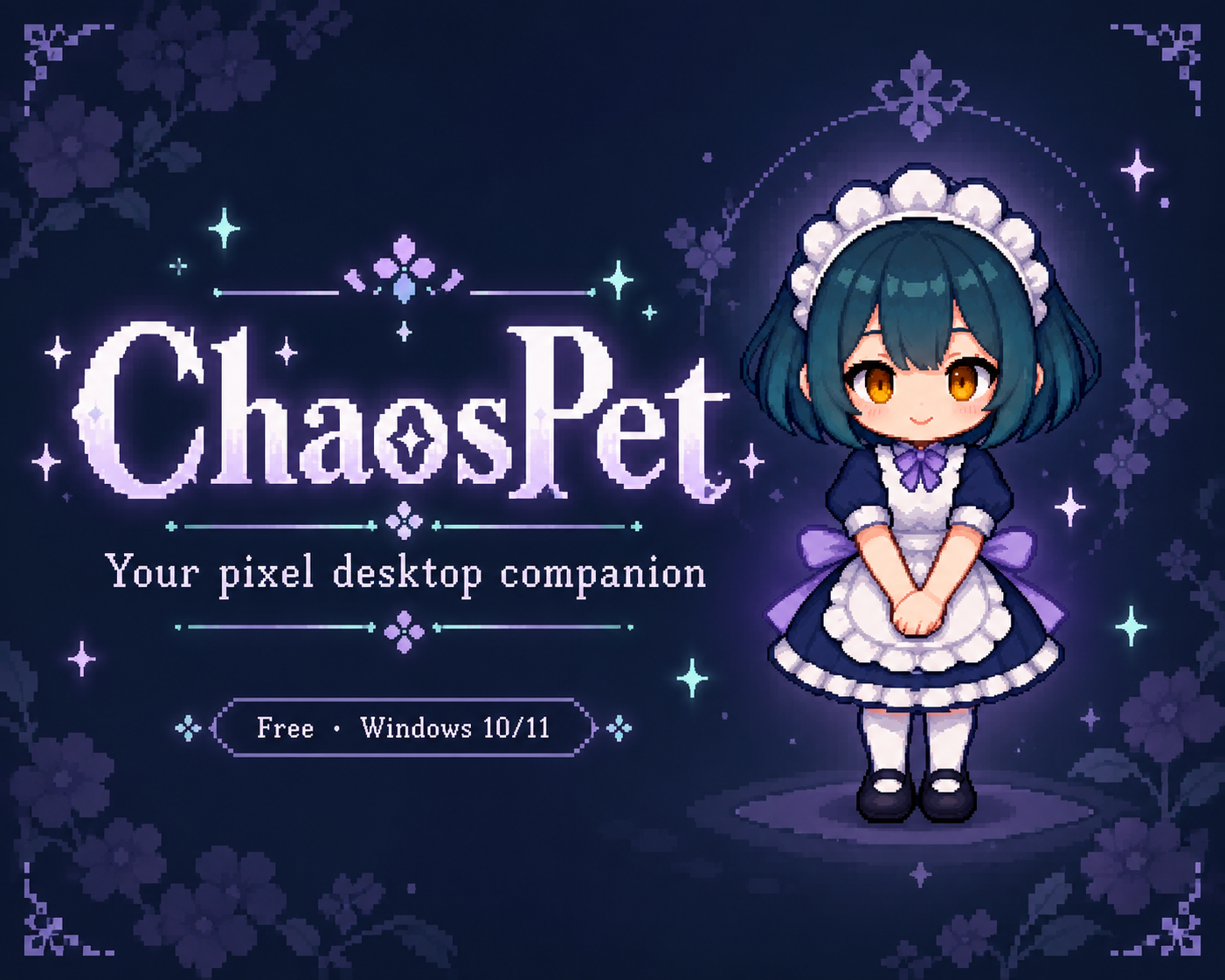
ChaosPet is a free pixel maid desktop companion for Windows 10/11 (64-bit).
- Click and drag interactions, with quiet reading and sleeping modes.
- A 30-second light-catching mini-game for breaks.
- Optional mischief mode that minimizes windows and temporarily hides desktop icons. Stop it and restore them from the menu.
Getting started
Download the complete portable archive, extract the entire folder, and run ChaosPet.exe. Keep all accompanying files in the same folder. Version 0.1.0.
File behavior
Automatic mischief does not delete files. Manually feeding a file requires explicit confirmation before moving it to the Recycle Bin.
Download
Install instructions
- Download the complete ChaosPet Windows portable archive.
- Extract all files into one folder. Do not run the EXE from inside the archive or move it away from its DLLs.
- Run ChaosPet.exe on Windows 10 or 11 (64-bit).
- Double-click the pet to open the menu and choose focus, play, or mischief. Turn off mischief in settings for quiet companionship.
- To stop a performance, choose Stop and restore from the menu, or exit the pet normally.
This release is a RAR archive, not an installer. Use an archive application that supports RAR.
Leave a comment
Log in with itch.io to leave a comment.